




- Layer
- Foreground
- Technology
- React+ HTML/CSS
- Responsibility
- Button structure, text, click handling, accessibility
How a WASM load dependency turned into an architectural problem, and how I fixed it.
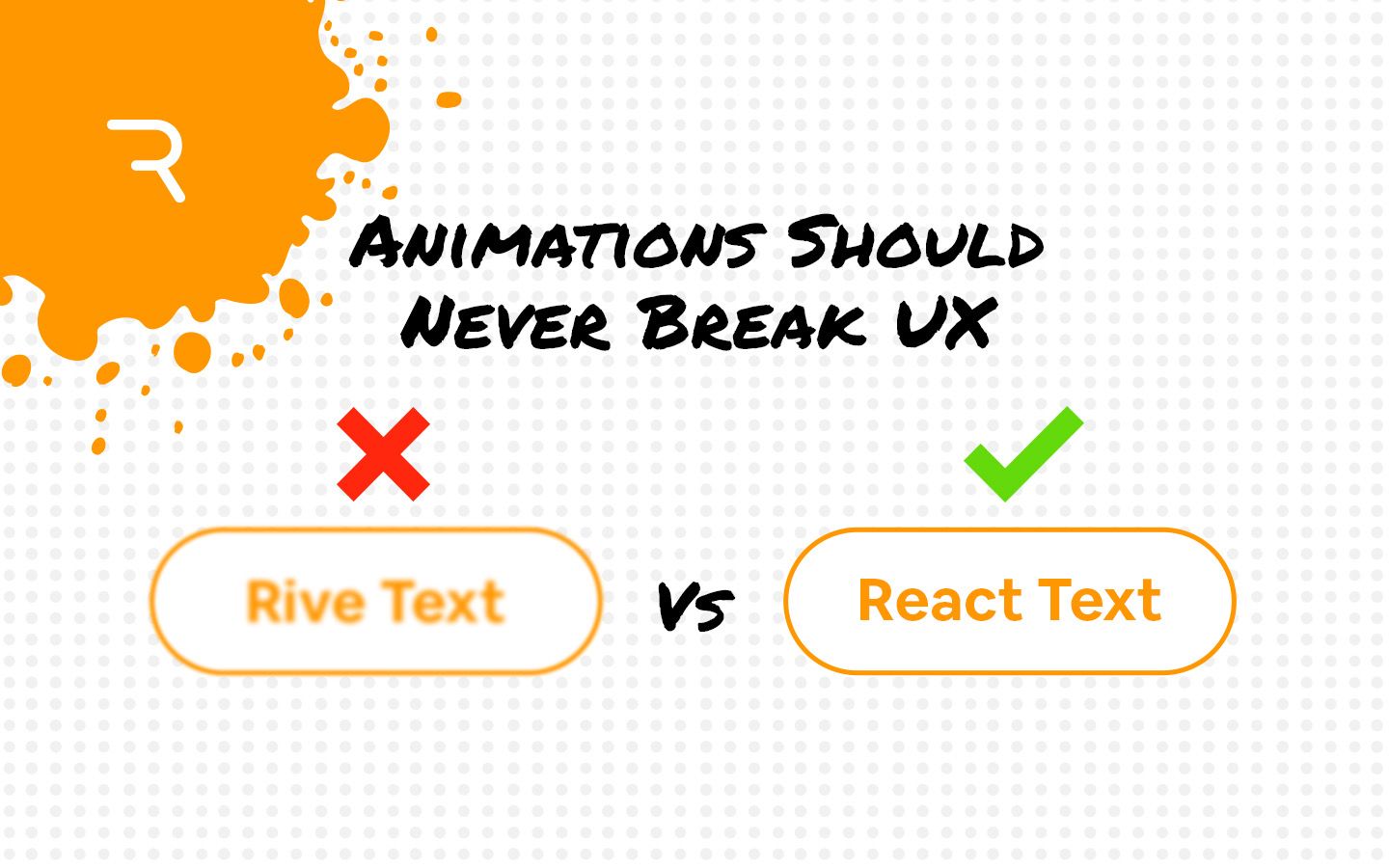
While I was building this portfolio site, I decided to add an animated CTA button using Rive (if you haven’t heard of it, it’s an interactive animation engine used by Spotify, Duolingo, and products reaching over 2 billion users). Rive’s state machine system supports real-time hover interactions, reactive transitions, and runtime-driven animation logic, so it was the right tool for what I wanted to build.
Now this started as a straightforward enough implementation, but soon, three separate problems came up–
I solved all three with a single architectural shift.
My first implementation built the entire button inside Rive and embedded it in React. And as I was testing I became aware of three issues:
Rive’s web runtime depends on a WebAssembly .wasm binary of approximately 2MB. Until that file downloads and compiles, nothing that Rive controls can be rendered. So on first load, the primary CTA button simply did not exist.
Canvas and WebGL-based systems bypass your browser’s native font rasterization, so text inside the Rive canvas looked visibly softer than DOM-rendered typography.
If the WASM runtime failed to load — due to a slow connection, a network issue, or a script error — the button was gone entirely. A CTA button with no fallback is a broken product.
For decorative animations, these tradeoffs are acceptable. For a primary call-to-action, none of them were.
I rebuilt the component so React owns the button and Rive owns the animation underneath it. The structural button — its shape, text, click handler, and base CSS hover states — renders in React at first paint with no dependency on any external runtime. The Rive animation loads asynchronously as a background layer once the runtime is ready.
Moving text into React resolved the blur issue entirely. Browser-native font rasterization produces sharper, more readable typography than canvas rendering across every resolution. Text in the DOM is also selectable and screen-reader accessible — neither of which is true inside a Rive canvas.
I designed the component so that click behavior, accessibility, and layout are fully independent of Rive. If the WASM runtime fails to initialize for any reason, the button still works exactly as expected. Animation is an enhancement layer, not a dependency.
The one remaining question was whether the hover animation would be ready in time. In practice, this is not a meaningful issue. By the time a user visually processes the page and moves their cursor toward the CTA, the ~2MB WASM binary has almost always already finished loading in the background. The button must exist immediately — the animation can follow.
| Layer | Technology | Responsibility |
|---|---|---|
| Foreground | React+ HTML/CSS | Button structure, text, click handling, accessibility |
| Background | Rive runtime | Hover animations, state transitions, visual effects |
React handles what the browser does best. Rive handles what Rive does best. Neither layer depends on the other to function.
| Metric | Before | After |
|---|---|---|
| Button visibility on load | Delayed until WASM initialized | Immediate, first paint |
| Text rendering quality | Soft, canvas-rendered | Crisp, native browser typography |
| Layout shift on load | Present | Eliminated |
| Button usability without animation | None | Full |
| Screen reader accessibility | Not supported | Full DOM accessibility |
| Behavior on runtime failure | Button absent | Button present, animation optional |
| Hover animation readiness | Inconsistent | Ready before interaction in nearly all sessions |
This project reinforced two frontend engineering principles worth carrying forward.
First: critical interface elements should never depend entirely on asynchronously loaded runtimes. A button that does not exist cannot be clicked. Instant availability is not negotiable for primary UI components.
Second: animation systems should enhance interface presentation, not own core interface rendering. The browser handles layout, typography, and accessibility better than any canvas runtime. Letting each layer do what it does best produced a result that was faster, more accessible, more reliable, and better-looking than the original all-in-Rive implementation.
Rive remained the right tool. The architecture was the fix.
I build production-safe UI that works under every condition (animated or not). Let's talk about what you're working on.


Questions? Comments? Feel free to send a message!