


- Metric
- Database storage
- Outcome
- Reduced by 75%
- Result
- Lowered infrastructure costs

When a Canadian immigration tracking app built on Lovable+Supabase suddenly hit 20,000 users (in just six months), the scrappy MVP infrastructure that got it there started showing some serious cracks. That’s when I was brought in to fix what was breaking. Here’s exactly how I did it quietly, safely, and without taking the app down for a single paying user!
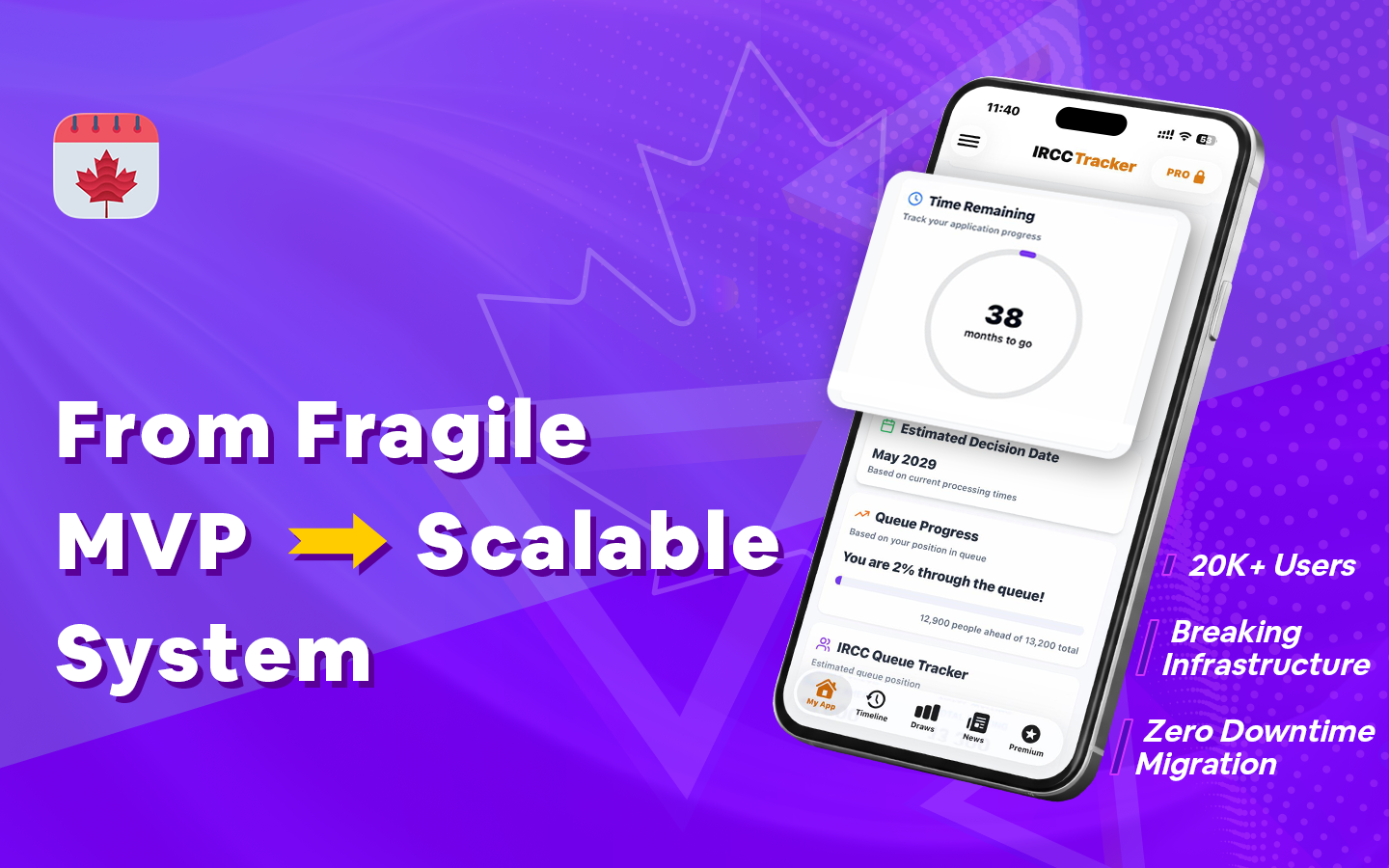
The IRCC Tracker app gives Canadian immigration applicants deeper insights into their application status compared to the official government portal. Even though the app had strong early traction and everything was running live, behind the scenes, the database was struggling.
Here’s what I was dealing with:
Piling up silently and dragging every query down with it.
Users were receiving incomplete, truncated insights — a trust-killer for a paid product.
The MVP architecture made restructuring risky without a carefully controlled approach.
Thousands of active users including paying subscribers — any outage meant real revenue loss.
Every change I made carried direct production risk with no safety net in place.
You should have a clear picture of what I was dealing with now– this wasn’t a greenfield project. Every decision I made had to work around a live, revenue-generating app. Here is the approach I followed.
For a live app like this project, I couldn’t do a big-bang rewrite. Instead, I built a methodical, zero-risk optimization strategy from the ground up.
Backup first, always. This is a guiding principle I follow as a developer. Before touching anything, I ran a full pg_dump and verified the database backup. This simple yet effective rule is implicit in my process– No rollback point, no work begins.
I always audit before acting. I dug into the database structure to map out exactly what was redundant, duplicated, or just dead weight. I used EXPLAIN ANALYZE to trace exactly which queries were choking and why.
Next, I wrote targeted SQL scripts to remove redundant records and restructure data. This was executed in controlled phases to avoid long locks and minimize impact on active user sessions.
After the cleanup, I reworked the highest-impact queries for efficiency, added indexes on frequently accessed paths, and pruned unnecessary indexes that I noticed were silently killing write performance. The difference was noticeable and immediate.
Finally, I benchmarked everything. Using pgbench and query analysis tools, I measured before-and-after performance at each stage. There’s no guessing when it comes to my work; every change is validated with data.
And that’s a brief summary of my zero-downtime execution strategy– without service disruption, avoiding heavy locks, and ensuring all users experienced no interruption during optimization.
| Metric | Outcome | Result |
|---|---|---|
| Database storage | Reduced by 75% | Lowered infrastructure costs |
| Query performance | Improved by ~70% | Eliminated timeouts |
| Historical data truncation | Eliminated completely | Full historical retention |
| Dataset Quality | 100% complete | Accurate insights |
| Downtime | Reduced to zero | No user impact |
Beyond all the technical wins, these optimizations had a real business impact for my client:
75% smaller storage footprint
Lower infrastructure cost
Queries 70% faster
Instant insights
0 outages
No churn
20K+ users ready
No rebuild needed
No truncation
Complete history
Safe deployments
Predictable system
The app was live. The users were paying. The stakes were real. And so, I shipped every fix without anyone noticing, which is exactly how it should be!
I've been there. I specialize in production-safe fixes that don't cost you users, revenue, or sleep.


Questions? Comments? Feel free to send a message!